Google Ads and shop data in one view: Cloudginny is now on dash.bar
Christian Beeking
Co-Founder, Cloudginny
July 3, 202614 min read
If you run a JTL or Shopware shop, you know the daily tab-switching. In dash.bar you check revenue, orders, conversion rate and your best sellers. And the moment you want to know what your ad budget is actually doing, you open the next window and log into Google Ads or Microsoft Ads. Two or three tools, several logins, a handful of separate pictures of one and the same shop.
We are changing that. Cloudginny is now available on dash.bar by WebStollen. Your ad performance now lives right where you already check your shop numbers.
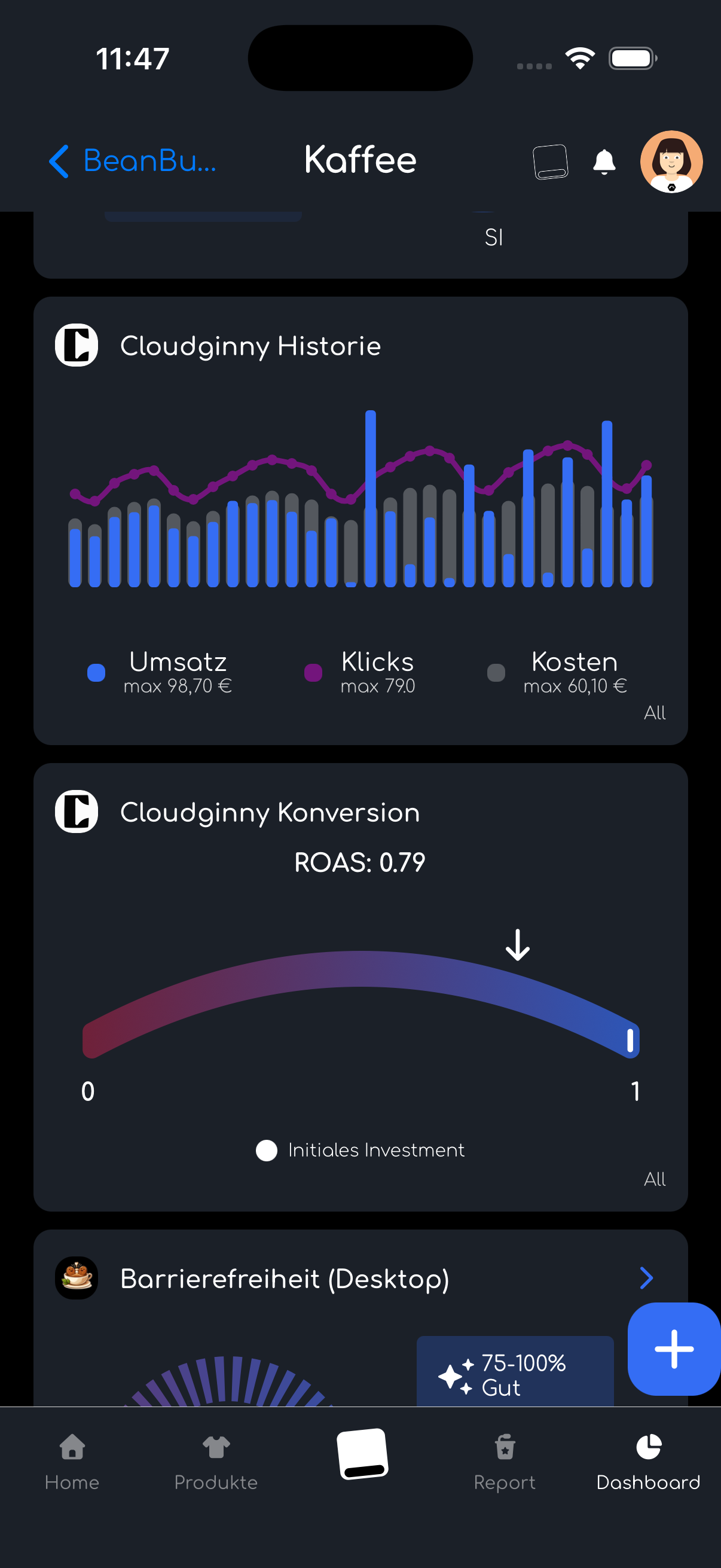
dash.bar x Cloudginny screenshot
Your ad metrics as a widget, right next to your revenue
The integration pulls your most important ad numbers from Cloudginny into dash.bar. Your ad spend, your clicks and impressions, your conversions and the revenue your ads bring in. From those you build the metrics that matter to you, for example ROAS or cost per conversion. On top of that you get your top products from Google Shopping and Performance Max, meaning the items that actually turn your ad budget into revenue.
Here is the part that makes the difference: Cloudginny delivers Google Ads and Microsoft Ads in one unified format. You see both channels side by side, instead of jumping between two interfaces with two different logics. And you build your dash.bar dashboard exactly the way you need it. ROAS next to revenue. Ad spend next to orders. The conversions from your campaigns right above your shop's conversion rate.
The real gain is not the single number, it is the context. A ROAS of 9 sounds great, but on its own it tells you very little. Next to your revenue trend and your orders in the same dashboard, it turns into a real statement. Is your advertising running ahead of your revenue or behind it? Is revenue rising because your campaigns are pulling, or despite them? In dash.bar you now answer those questions at a glance, instead of adding up numbers from several systems in your head.
Seeing is one thing, acting is another
dash.bar shows you what is happening in your shop. Cloudginny is the part that does something about it when things go sideways. Our AI agent Ginny monitors your ad account continuously. She finds wasted budget, irrelevant search terms and weak products, and tells you exactly what to do about it. You approve, Ginny executes. Nothing happens without your go-ahead.
For you that means: in dash.bar you spot that your ad spend is climbing while revenue is not keeping up. And in Cloudginny there is someone right there who tells you why, and who fixes it once you approve. That is the difference between a dashboard that shows you a problem and a setup that helps you solve it.
Who this is for
For merchants in the JTL and Shopware world who no longer want to manage their ads in a separate tool and finally want to see how advertising and revenue connect.
And for agencies and partners in the JTL ecosystem who want to give their clients one clean overall picture, without stitching together several reports from several sources. Ad performance and shop numbers in a single view that the client can open at any time.
How to set it up
The whole thing takes two steps. In Cloudginny you generate your own access key under Settings, in the API and Integrations section. You paste it into dash.bar, and from then on dash.bar pulls your ad data automatically. The numbers refresh on their own, usually several times a day, so there is nothing to load by hand.
One thing for everyone who takes their data seriously: you stay in control. You grant the access yourself, and you can revoke it at any time.
Not using Cloudginny yet? Then test the platform free for seven days. You connect your Google Ads account with one click, without handing over any credentials, and Ginny reads your account right away. By the time you ask your first question, she already knows your campaigns.
In the end it comes down to a simple thing. Two tools from the JTL ecosystem that now work together. Less tab-switching, less guesswork, and one honest picture of your shop and your advertising. Right where you already look.
Christian Beeking is co‑founder of Cloudginny, the AI agent for automating Google Ads in e‑commerce. Before Cloudginny, the team managed more than 100 million euros in Google Ads budget for brands such as MediaMarkt, Cisco and Bose, and has now poured that knowledge into Ginny. Cloudginny is an official Google Partner, a WebStollen partner and part of the German Accelerator.
Get more from your ad budget, starting today.
Connect your account, ask Ginny the first question and see what can improve in your Google‑Ads account. With real numbers from your own shop. Free for 7 days.
No lock‑in · Real data from your account · You approve every change
plans
Get Started
plans
Related articles
Our platform is designed to empower businesses of all sizes to work smarter and achieve their goals with confidence.
August 14, 2026
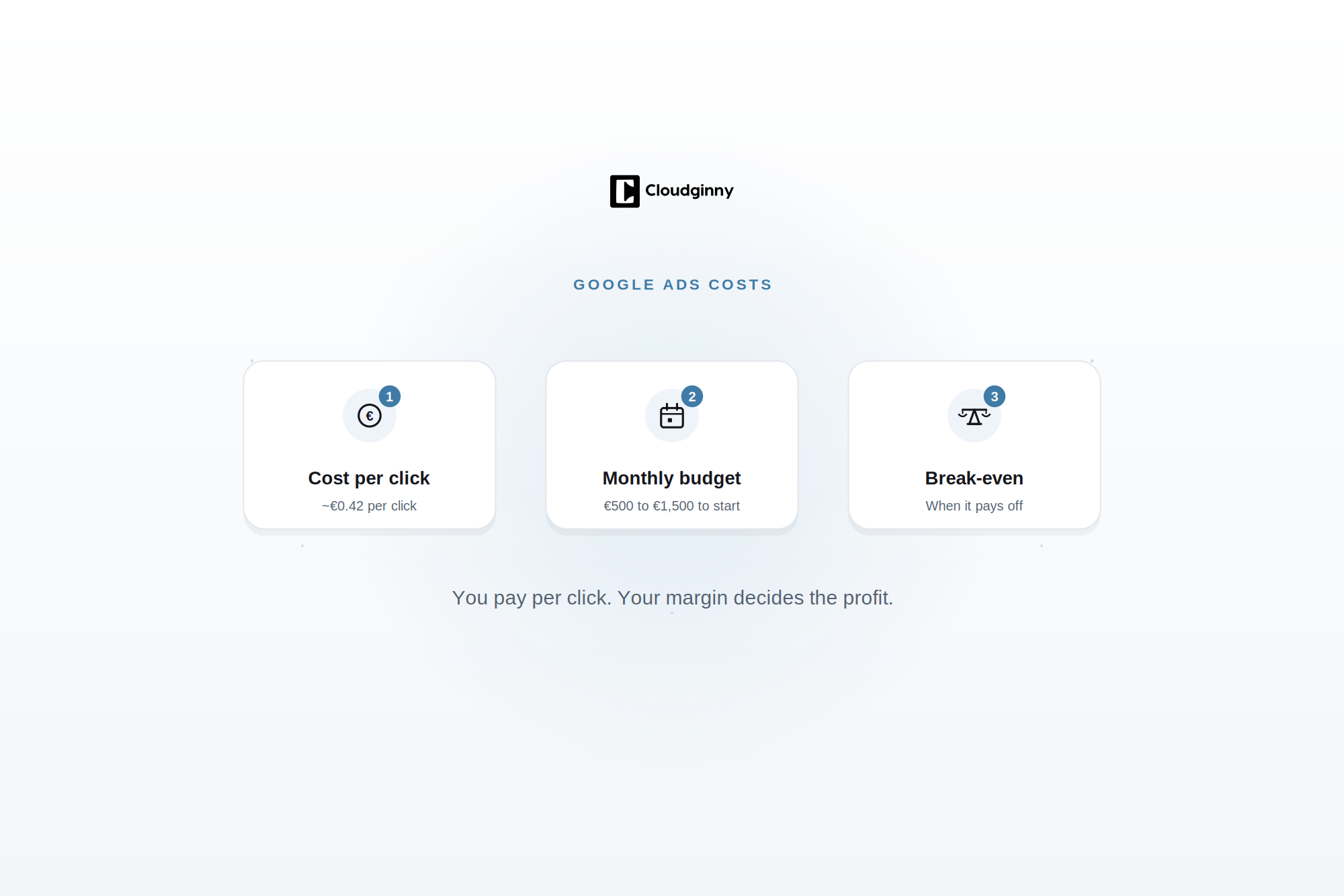
Google Ads Costs: What Online Shops Should Realistically Budget in 2026
Agencies quote high, forums tell horror stories about burned budgets, and Google essentially says “it depends”. None of that helps anyone who has to plan an advertising budget right now. This article works with real numbers from over 1.8 million clicks instead: what a click really costs in e-commerce, how to derive a monthly budget rather than guess it, and the ROAS at which Google Ads starts paying off for your shop.
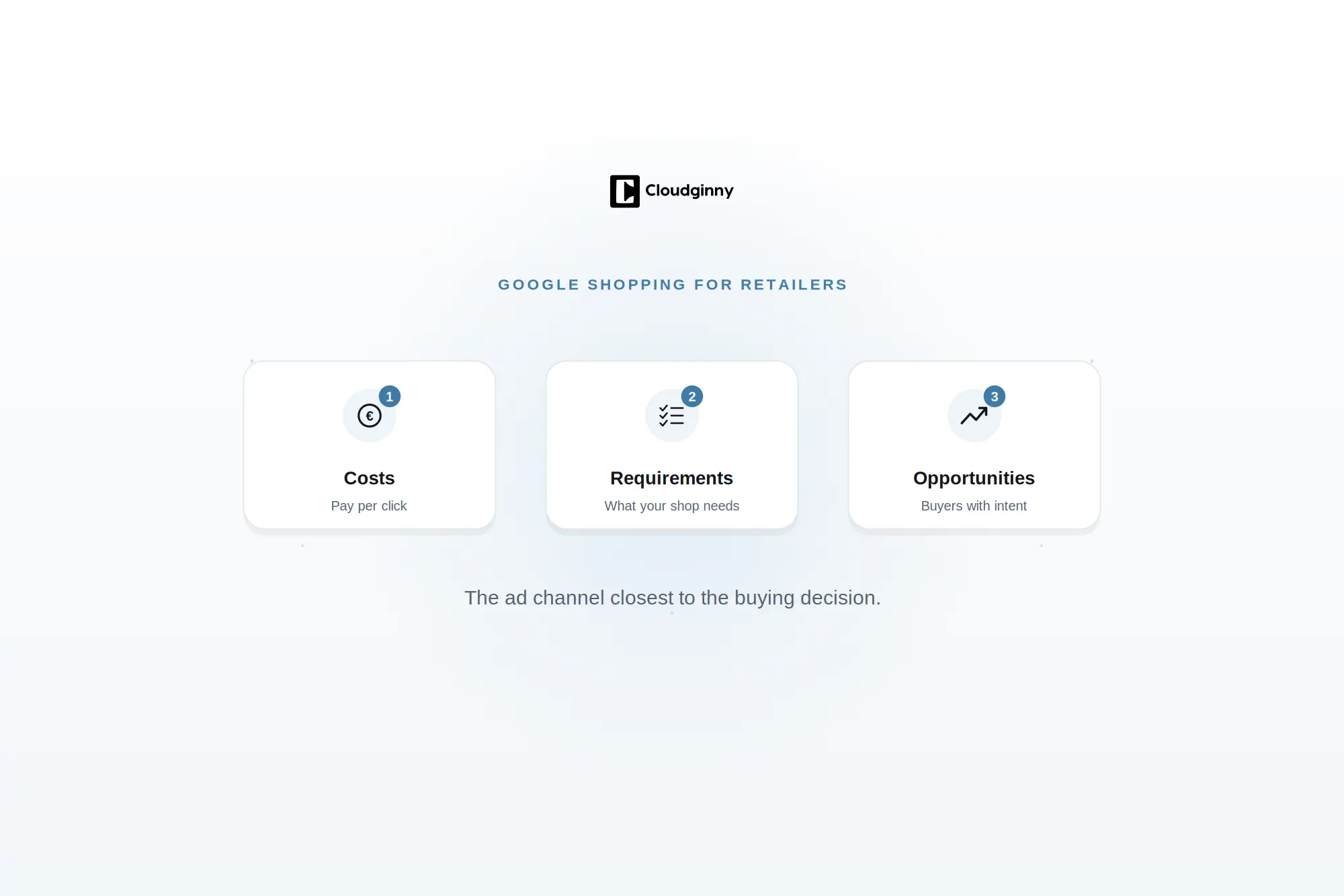
Google Shopping for Retailers: Costs, Requirements and Opportunities
Google Shopping sits closer to the buying decision than any other ad channel. Still, many retailers drop out early because it stays unclear what the channel costs. This guide uses real numbers from over 1.8 million clicks to show what Google Shopping costs, what your shop has to bring to the table technically and what changes in 2026 with the Universal Cart.
July was Ginny's most productive month: she now builds complete Shopping campaigns by chat, you decide which products get advertised, and the Performance Max black box finally opens up. All four updates, with concrete examples at a glance.